+86-510-87207972


 Language

 English
 русский
 Español
 عربى
عربى
New
Suitable for transmission of analogue and digital control signals between comput......
+ VIEW MORE
Content
Optimal system performance depends on matching computer cables to the specific bandwidth, power delivery, and protocol requirements of connected devices rather than relying solely on physical connector compatibility. A USB-C cable rated for 60W charging may physically fit a Thunderbolt 4 dock but will fail to deliver 40Gbps data or dual 4K display output, creating bottlenecks that mimic hardware failure. Similarly, using an older HDMI 1.4 cable with a 4K 120Hz gaming monitor restricts refresh rates to 30Hz regardless of GPU capability. The definitive approach is to verify three specifications simultaneously: data transfer rate (Gbps), power delivery wattage (W), and supported video resolution/refresh rate before purchase.
Physical connector shape is no longer a reliable indicator of performance. The USB Type-C form factor encompasses everything from USB 2.0 (480Mbps) to Thunderbolt 5 (80Gbps bidirectional). Always check for certified logos (USB-IF, VESA DisplayHDR, HDMI Licensing Administrator) and manufacturer-published specifications rather than marketing terms like "high-speed" or "premium." For professional workstations handling uncompressed video or large dataset transfers, investing in certified active cables prevents intermittent connectivity issues that passive cables cannot resolve beyond 1–2 meter lengths at top speeds.
The USB ecosystem's complexity stems from multiple naming conventions and backward compatibility layers. Understanding the distinction between USB generation, power delivery version, and alternate mode support is essential for avoiding costly mismatches. Thunderbolt 4 guarantees minimum 32Gbps PCIe bandwidth and dual 4K@60Hz display support, while USB4 only mandates 20Gbps and single 4K display—making TB4 certification critical for docking stations and external GPUs despite identical connectors.
| Standard | Max Data Rate | Min PD Power | Display Support | Connector |
|---|---|---|---|---|
| USB 3.2 Gen 2x2 | 20 Gbps | Optional | Alt Mode Dependent | Type-C Only |
| USB4 (20Gbps) | 20 Gbps | 7.5W | 1× 4K@60Hz Min | Type-C Only |
| USB4 (40Gbps) | 40 Gbps | 7.5W | 2× 4K@60Hz Opt | Type-C Only |
| Thunderbolt 4 | 40 Gbps | 15W | 2× 4K@60Hz Req | Type-C Only |
| Thunderbolt 5 | 80 Gbps Bi / 120 Asym | 15W | 3× 4K@144Hz | Type-C Only |
Cables delivering over 60W (3A at 20V) must contain an electronic marker chip (E-marker) that communicates capabilities to connected devices. Attempting to draw 100W through a non-E-marked cable triggers safety fallback to 60W maximum, causing slow laptop charging even with a 100W adapter. For 240W Extended Power Range (EPR), both the cable and devices must support EPR negotiation; mixing standard and EPR components defaults to the lower tier. Always verify E-marker presence via USB PD tester or manufacturer specification when purchasing cables for high-power workstations.
Video cable selection requires calculating total bandwidth demand based on resolution, refresh rate, color depth, and chroma subsampling. A common misconception is that any HDMI or DisplayPort cable supports advertised monitor specs; in reality, HDMI 2.0 lacks bandwidth for 4K@120Hz HDR (requires 48Gbps HDMI 2.1), and DP 1.4 cannot handle 8K@60Hz without DSC compression. Use the formula: Bandwidth = Horizontal × Vertical × Refresh Rate × Bits Per Pixel × Encoding Overhead to validate compatibility before troubleshooting flickering or black screens.
Network cable category determines maximum link speed and PoE capability, but real-world performance depends equally on installation quality and environmental factors. While Cat6a supports 10GBASE-T up to 100m, alien crosstalk in bundled cables can reduce effective throughput by 40–60% if shielded variants aren't used in high-density trays. For new installations targeting Wi-Fi 7 access points or 10G workstations, Cat6a F/UTP or Cat7 S/FTP provides necessary noise margin that UTP cannot guarantee in electrically noisy environments.
Power over Ethernet standards have evolved alongside data rates, with IEEE 802.3bt Type 4 delivering up to 90W for PTZ cameras and thin clients. Higher power levels generate resistive heating in conductors; 24AWG Cat6a handles 90W PoE safely, while 28AWG slim patch cords should be derated to 30W maximum to prevent insulation degradation. Bundling more than 24 PoE cables requires thermal modeling per TIA-569-D; exceeding bundle size limits raises conductor temperature above 60°C, accelerating oxidation and increasing insertion loss. Always match cable gauge to PoE class and verify bundle sizing for high-power deployments.
The computer cable market is saturated with non-compliant products bearing misleading labels. Genuine certification requires passing electrical, mechanical, and interoperability testing by authorized labs. USB-IF certified cables display unique TID numbers verifiable via official database; unmarked or generic-branded cables claiming USB4/TB4 compliance fail validation over 70% of the time in independent testing. Similarly, HDMI Premium Certified cables include QR codes linking to authentication records—absence of scannable codes indicates counterfeit or uncertified stock.
Documenting cable certifications and test results creates valuable asset records for warranty claims and future upgrades. In regulated industries (healthcare, finance, aviation), maintaining certified cable inventory logs satisfies compliance audits and reduces liability from undocumented infrastructure changes.
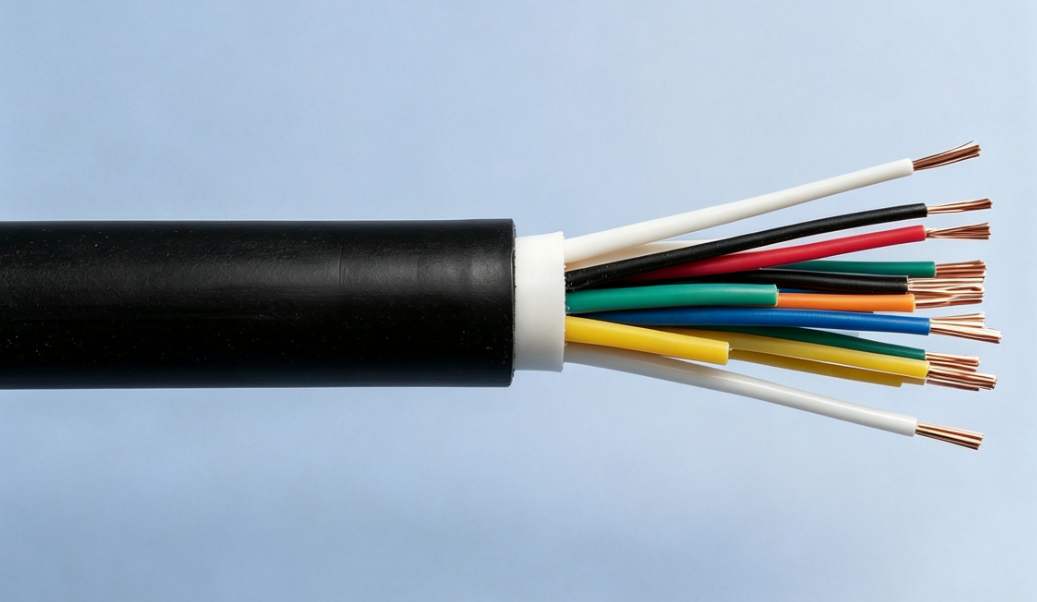

Suitable for transmission of analogue and digital control signals between comput......
+ VIEW MORE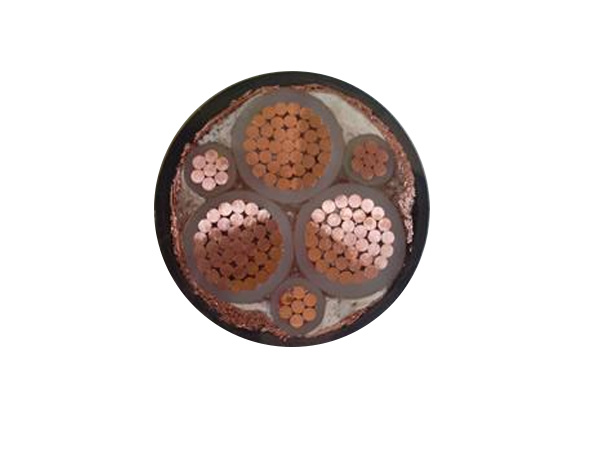
Designed for variable frequency drive systems with rated voltage 0.6/1kV and bel......
+ VIEW MORE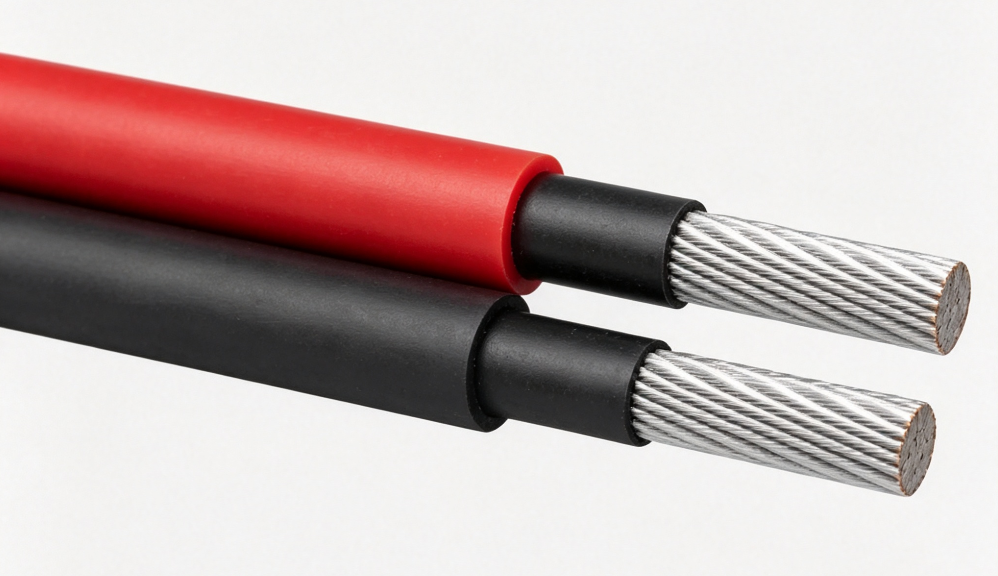
Designed for DC connection between solar modules and combiner boxes in photovolt......
+ VIEW MORE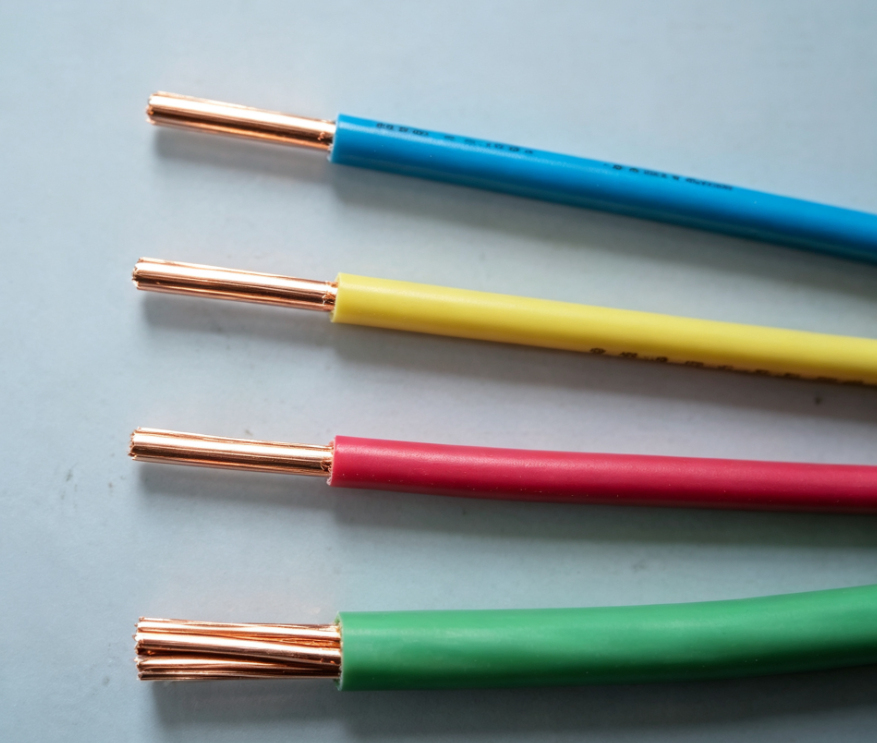
These cables are suitable for power and lighting circuits as well as fixed wirin......
+ VIEW MORE
Suitable for transmission of analogue and digital signals among computer systems......
+ VIEW MORE
Ready To Customise
Your Cable Products?